Slates
The Slates app icon: eight translucent colored tiles in a ring.

Slates

Eight color-coded scratchpads for quick capture.

A MacBook Pro on a dark, reflective surface, running Slates: one window with all eight colored slates in a vertical list, from a yellow page of notes to a gray palette of sunset colors.
Slate 1 in focus: a yellow page titled Next Week, set in Georgia, with a dictionary-style note on the word slate, two web links, and three notable quotes. Slate 2 in focus: an orange reading list titled To read, with two books checked off and seven still open. Slate 3 in focus: studio door and alarm codes, a guest Wi-Fi network, and a one-time invite code, in plain monospaced text on deep red. Slate 4 in focus: syntax-highlighted CSS for a personal site on purple, with a color chip beside each hex value. Slate 5 in focus: a blue checklist titled Site launch, each line marked with a traffic-light bullet: white, yellow, green, or a done check. Slate 6 in focus: a cyan dictionary entry for the word slate, set in Palatino, with its noun and verb senses. Slate 7 in focus: a green board titled This week, with Kanban bullets for backlog, doing, and done. Slate 8 in focus: a gray slate titled Sunset with eight hex colors from lagoon to coral, each on its own color chip, and a CSS ramp.
Preview a slate
Appearance

A minimal Mac scratchpad with eight colored slates. Local by default, with optional iCloud sync.

Coming soon to the Mac App Store

macOS 14 Sonoma or later · Need help? Support

About

Slates is a simple app.

It gives you eight color-coded scratchpads so you can capture text fast and find it by color: door codes, meeting links, snippets to paste a few times.

Stored locally by default; optional iCloud sync if you want it.

The desk

Eight slates. That’s the whole map.

Keep a list in one color, a code in another, a draft in a third. You remember which slate, not which folder. Hide the ones you are not using; they keep their text.

Slates on a Mac in the dark palette: one window with a vertical list of colored slates. A yellow meeting note, an orange packing checklist, a blue launch board with traffic-light bullets, a cyan dictionary entry for the word slate, and a green task list. Numbered squares 1 to 8 run across the toolbar.
List view with five slates showing. The other three are hidden, one click away.
On your Mac
A single slate in focus view, in slate 3’s deep red: studio door and alarm codes, a guest Wi-Fi network, and a one-time invite code. The toolbar shows the numbered squares 1 to 8 with 3 lit.

Capture, copy, clear.

Hold a door code, a tracking number, a paragraph. Copy it when you need it. Copy & Clear when it has done its job, and the slate is empty again.

Press Command-3 to focus slate 3, and Command-Backslash to see all of them again.

Coming soon to the Mac App Store

macOS 14 Sonoma or later

Dark and Light

Same desk. Lights up.

Every slate keeps its color in Dark and in Light. Slates follows your Mac, or you pick under View → Theme. Drag across the screen to compare.

Slates in Dark, filling a MacBook Pro screen: a horizontal strip of slates with a meeting note, a packing list with struck-through items, door and locker codes, and Swift code with color chips.
Dark
The same desk in Light: each slate keeps its hue on a pale wash, from the yellow meeting note to the purple Swift code.
Light
In the world

Wherever the desk is.

Slates on real Macs, in real rooms. Swipe or scroll sideways.

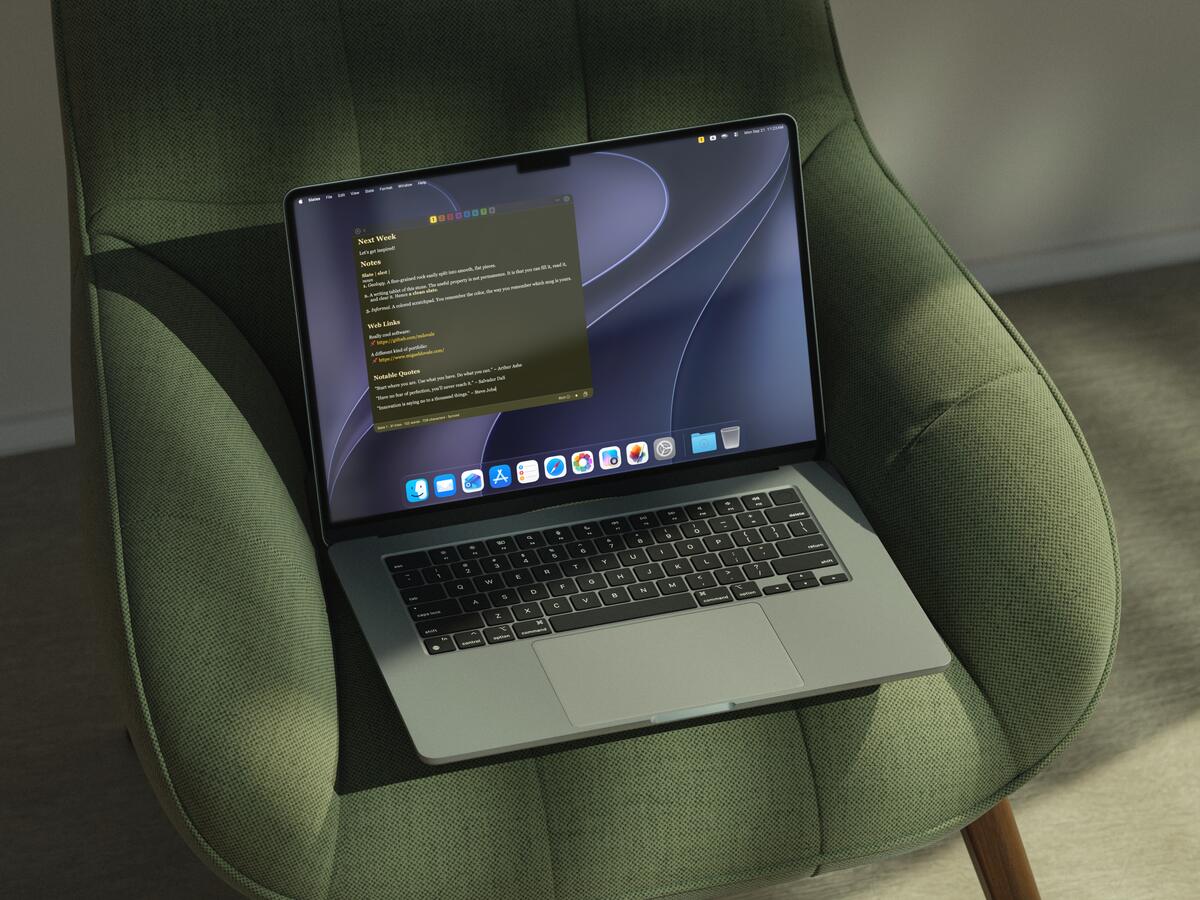
  • A MacBook Air on a green velvet armchair in soft daylight, Slates open to a single yellow slate in focus.
    Focus view, in the good chair.
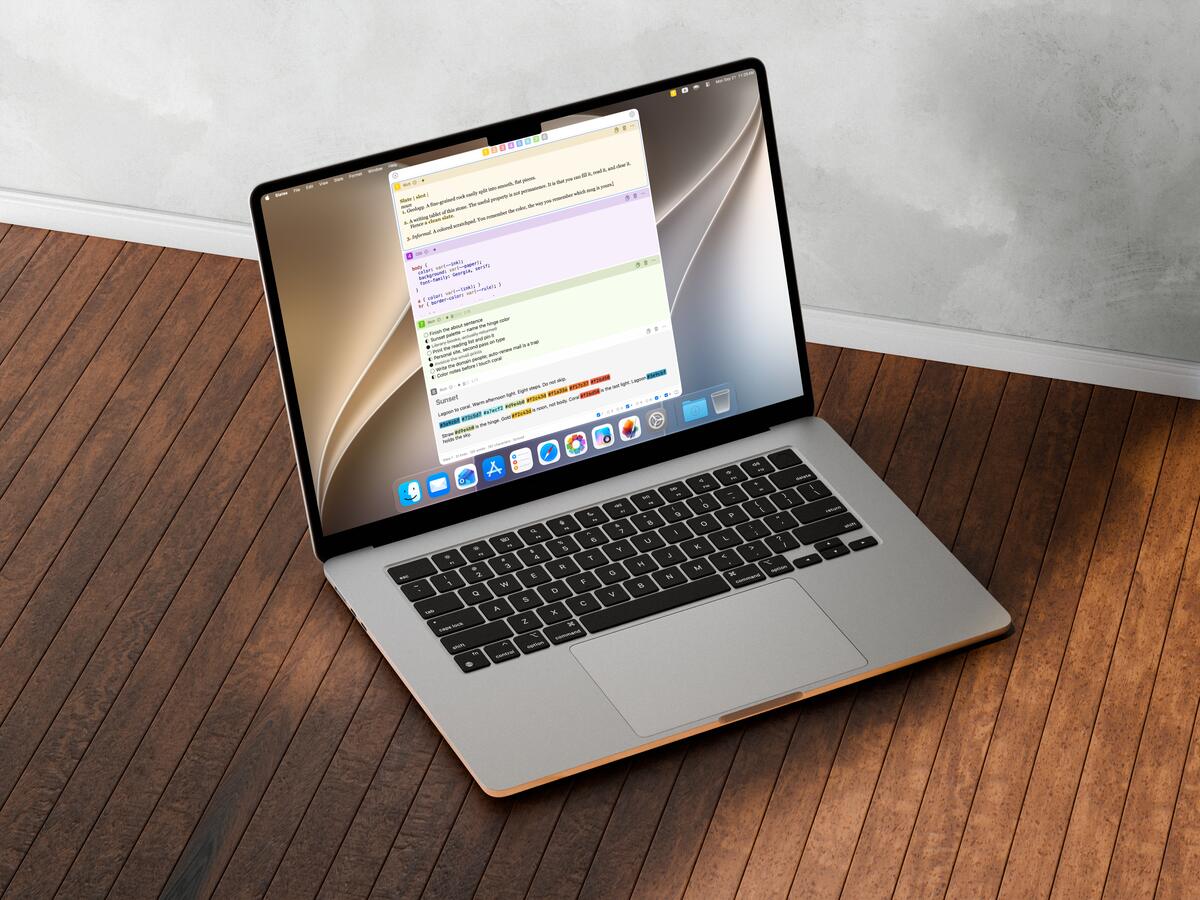
  • A MacBook Air on a sunlit wooden floor, Slates showing its vertical list of colored slates in Light.
    The vertical list, where the sun is.
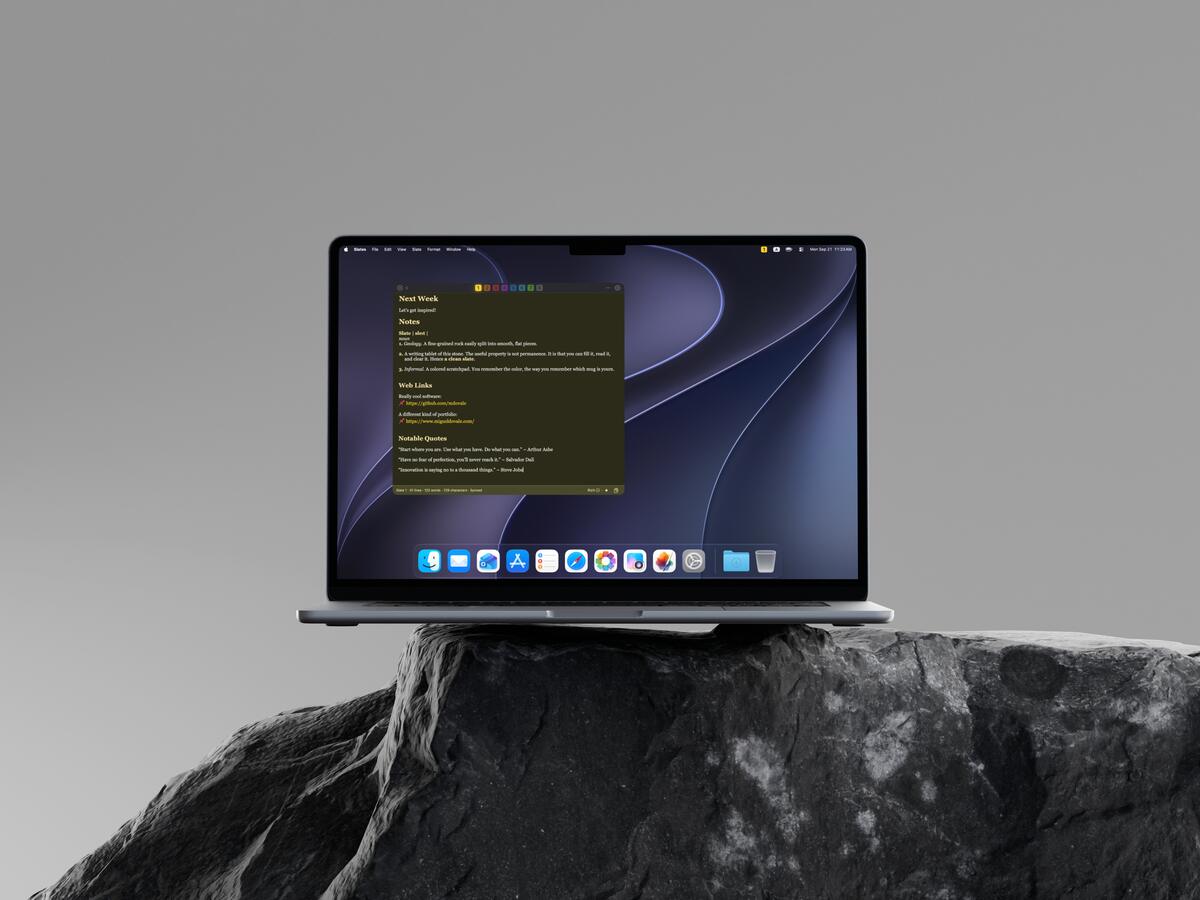
  • A MacBook Air balanced on a dark natural rock against a gray backdrop, one yellow slate in focus.
    On an actual rock. Slate is one, after all.
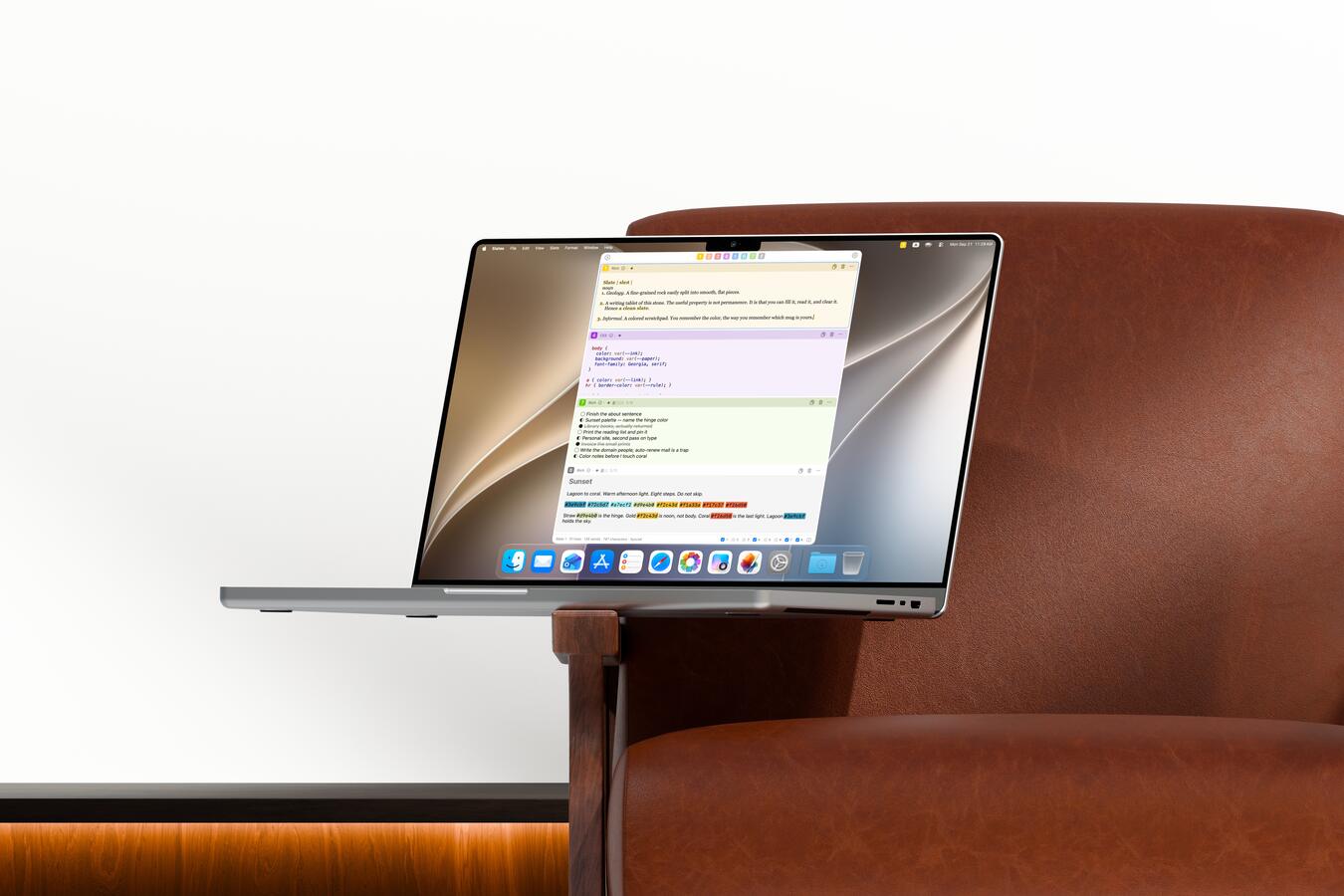
  • A MacBook Pro on the arm of a brown leather chair, Slates open to a column of pale slates in Light.
    A column of slates on a MacBook Pro.
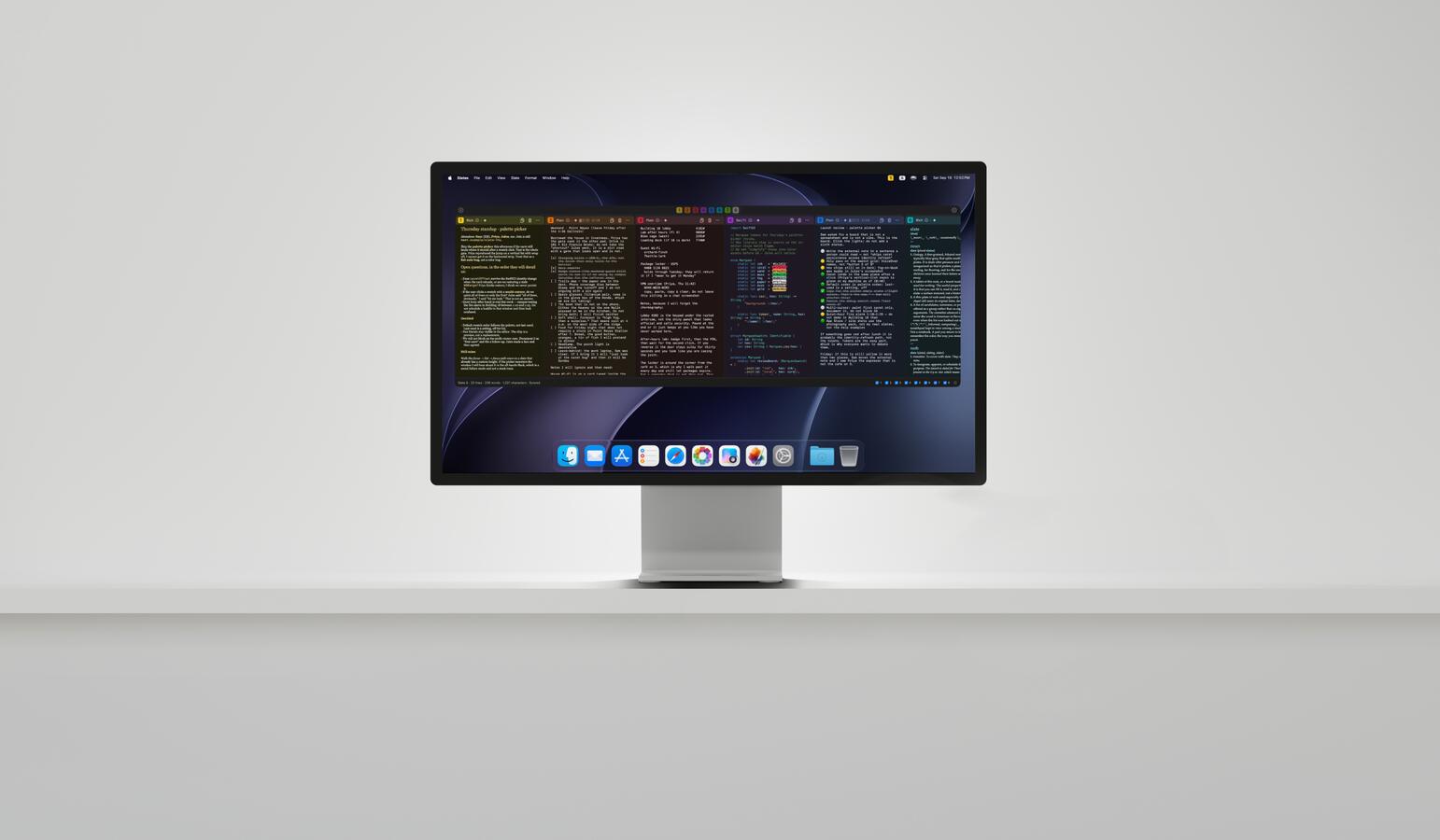
  • A Studio Display on a pale gray surface, Slates stretched across it as a horizontal strip in Dark.
    The whole strip, on a big screen.
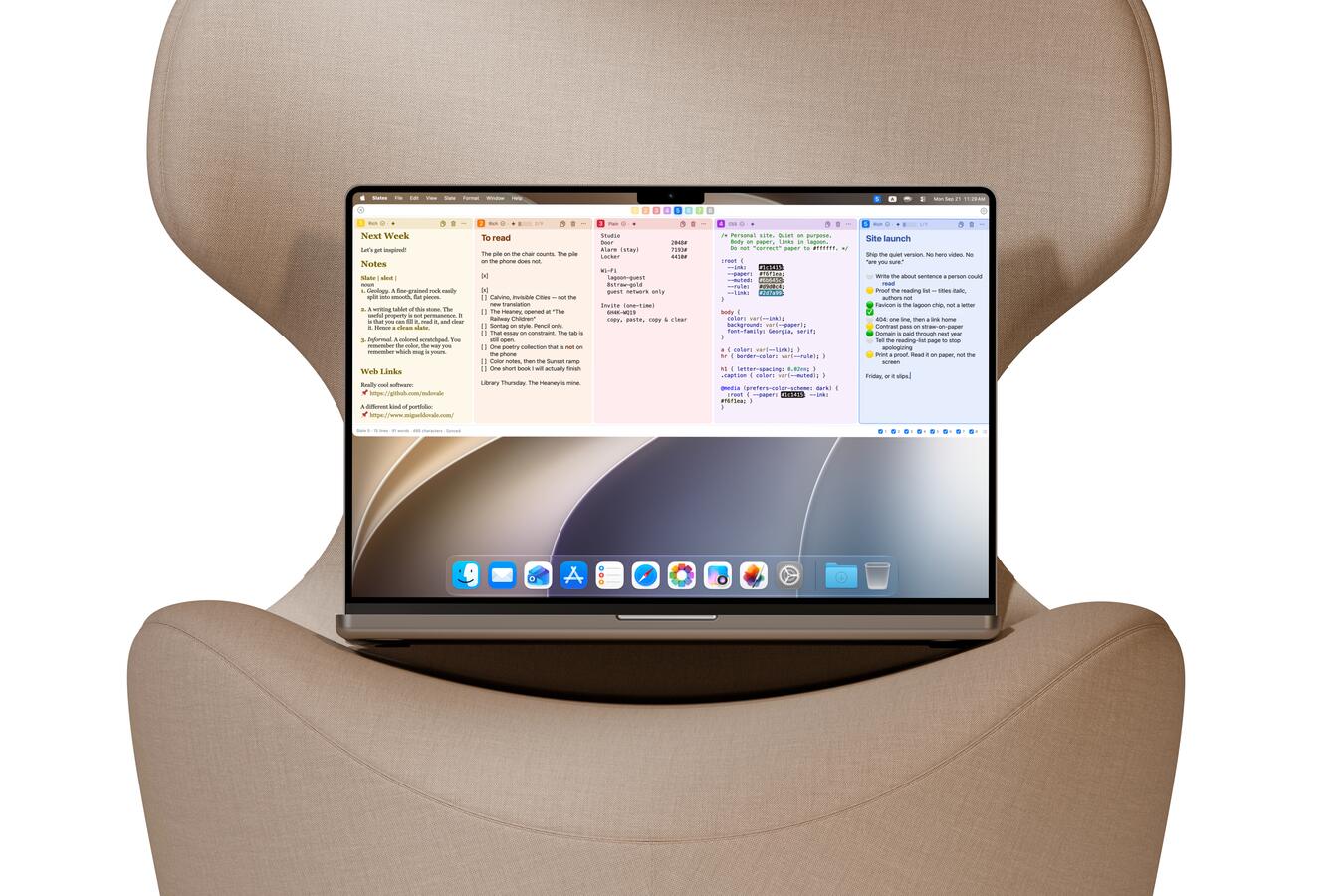
  • A MacBook Pro 14-inch cradled in a beige wingback chair, Slates showing a horizontal strip in Light.
    Horizontal strip, 14 inches.

One feature for every color.

Every feature, one chapter per color

What’s new

Slates 1.0

The first release. Eight color-coded scratchpads for quick capture, stored locally by default with optional iCloud sync.

Release notes

Help

Need a hand?

Email mikedovale@pm.me, the same address as Help → Ask Question via Email in the app. Already installed? Help → User Manual has the full tour.

Get Slates

Give Slates a try.

Coming soon to the Mac App Store

macOS 14 Sonoma or later

Slates was inspired by Tot from The Iconfactory.